Are AI Photo Editing Tools Worth Trying?
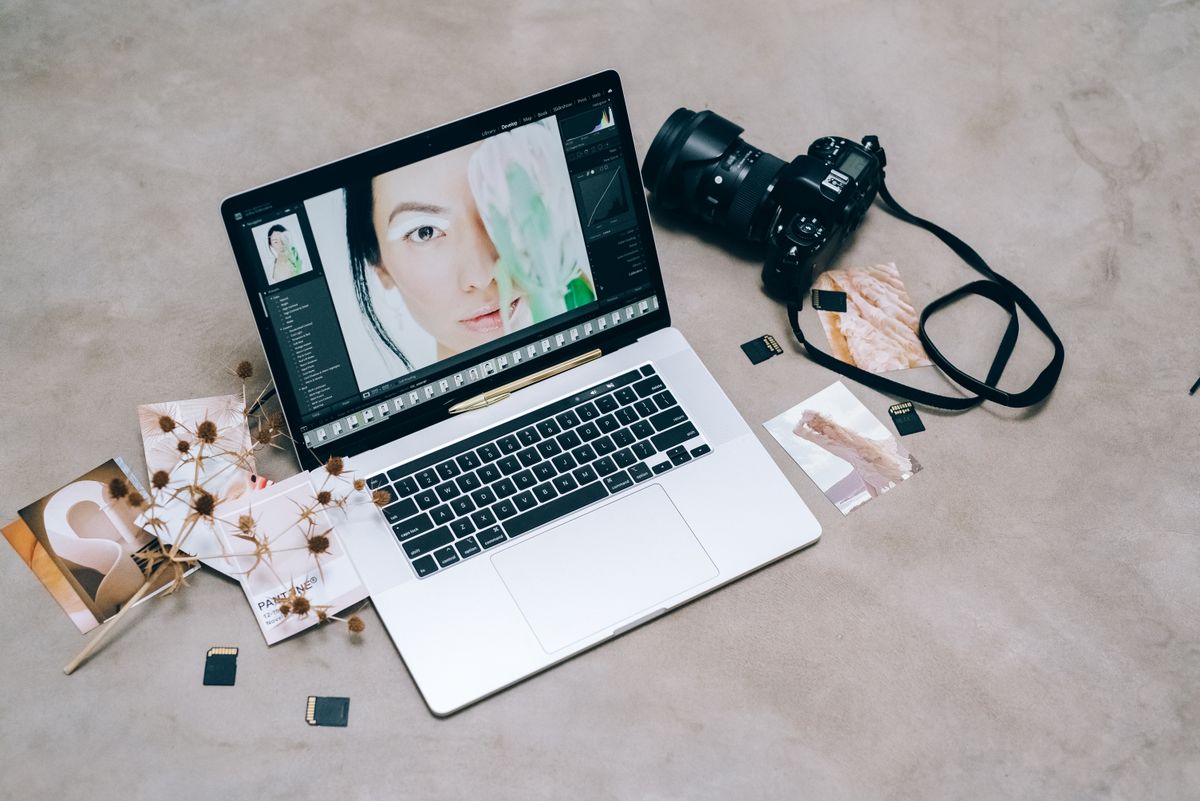
AI photo editing tools are worth trying when they save you time on repetitive work — removing backgrounds, cleaning up skies, fixing exposure across many images, or removing distractions — but the right choice depends less on the AI label than on output quality, how the tool handles your images and rights, and whether its pricing fits how often you edit. Tools change quickly and prices change often, so this guide does not list prices or rank products. It explains the main categories of AI editing features, how to evaluate a tool on your own photos, the privacy and licensing questions to ask, and how to decide between free and paid options.
Signs an AI Editor Would Help You
- You spend a lot of time on the same edits across many photos.
- You need clean product or profile images with plain backgrounds.
- You often remove people, wires or blemishes from shots.
- You shoot in mixed or low light and fix exposure and noise afterward.
- You need several sizes and crops of each image for different platforms.
Common AI Editing Features

- Subject and background selection: automatically masks people, products or skies so you can edit them separately.
- Object removal and generative fill: removes distractions and fills the area; results vary with complex backgrounds.
- Noise reduction and sharpening: cleans up high-ISO or slightly soft images.
- Upscaling: enlarges images; works best when the original is reasonably sharp.
- Auto tone and color: one-click starting points you can refine.
- Batch processing: applies the same edits to many photos at once.
How to Evaluate a Tool on Your Own Photos
- Use free trials with your real images, not the demo photos on the website.
- Zoom in on edges, hair, text and repeating patterns, where AI edits most often fail.
- Check file handling: support for RAW files, export quality and color profiles.
- Measure the time saved on a typical batch compared with your current method.
- Look at workflow fit: desktop app, browser, phone, or plug-in for software you already use.
Privacy and Licensing Questions
Before uploading photos — especially of clients, children or private documents — read the tool's terms and privacy policy:
- Are images processed on your device or uploaded to the company's servers?
- Does the company use your uploads to train its models, and can you opt out?
- How long are images stored, and can you delete them?
- Who owns AI-generated parts of an image, and are there restrictions on commercial use?
- Does the tool add content credentials or metadata indicating AI editing?
If you edit photos for clients, make sure the tool's terms are compatible with your contracts and with any model or property releases.
Ethics and Disclosure
Generative edits can change what a photo shows. For journalism, real estate listings, product photos and other contexts where accuracy matters, follow the rules of the platform or industry, avoid edits that misrepresent the subject, and disclose significant alterations where required. Keeping the original files lets you show what was changed.
Free vs. Paid
Free tiers and built-in phone editors now include basic AI tools such as background removal and object erasing, which is enough for many casual users. Paid plans typically add higher-resolution exports, batch processing, more generative credits, commercial-use rights and priority processing. Compare plans by the features you would actually use and how often you edit; a monthly subscription that sits idle costs more than a one-time purchase you use occasionally. Watch for credit-based pricing on generative features, which can add up.

Choosing at a Glance
| If you mainly need... | Look for |
|---|---|
| Quick social media fixes | Free phone or browser editors with background removal |
| Product photos | Accurate subject selection and batch background replacement |
| Event or portrait volume | Batch editing, RAW support, plug-ins for your existing software |
| Print enlargements | Quality upscaling and noise reduction |
| Client work | Clear commercial-use terms and privacy controls |
Building an Efficient Editing Workflow
AI features are most useful inside a consistent workflow. A typical approach: import and back up the originals, cull quickly to keep only the best shots, apply a base adjustment or preset to a batch, use AI masking or removal tools only where needed, then export in the sizes and formats you need. Keeping originals untouched and working on copies or non-destructive edits means you can always return to the starting point if an AI edit goes wrong.
Save your own presets for common situations — indoor events, outdoor portraits, product shots on white — so the AI tools refine your style rather than replacing it. Review edits at full size on a calibrated or at least consistent screen before delivering to clients or printing.
Common Problems and Fixes
- Halo or rough edges around a selected subject: refine the mask manually around hair and fine details, or try a different selection mode.
- Repeating patterns or smudges after object removal: remove the object in smaller sections, or clone from a cleaner area.
- Waxy skin after noise reduction or retouching: lower the strength and preserve texture.
- Odd details after upscaling: upscale less aggressively or start from a sharper original.
- Color shifts on export: check color profile settings and export in a standard profile for web use.
Keeping Originals Safe
Whatever tool you choose, back up original files in at least two places, such as an external drive and a cloud service. If a tool closes, changes its pricing or loses your edits, your originals remain available to edit elsewhere.
Accessibility and Alt Text
If you publish edited images online, write short alternative text describing what each image shows so people using screen readers understand it. Some editing tools suggest alt text automatically; review and correct those suggestions, since automated descriptions can be wrong or vague. Good alt text describes the content and purpose of the image rather than repeating a caption.
Frequently Asked Questions
Can AI editing replace a photographer's skills?
It speeds up technical tasks, but composition, lighting and judgment about what to edit still matter most.
Is it safe to upload personal photos?
It depends on the tool's privacy practices. Prefer on-device processing for sensitive images and read the terms on storage and training.
Do AI edits reduce image quality?
They can introduce artifacts, especially in generative fills and upscaling. Inspect results at full size before publishing or printing.
Should I pay for an AI editor?
Only if free tools fall short for your regular work. Use trials to measure time saved on your own photos first.
Key Takeaways
- AI editors are most valuable for repetitive, time-consuming edits.
- Test tools on your own images and inspect results closely.
- Read privacy and licensing terms before uploading client or personal photos.
- Choose free or paid based on how often you edit and the features you use.